A single cookbook page
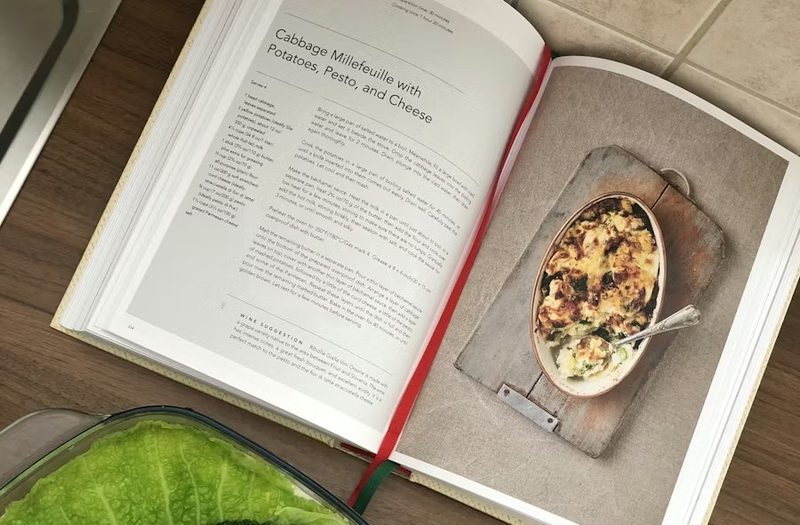
Lay the cookbook flat, take a photo with your phone, upload it. The recipe lands on a 4×6 card you can print or save.
For everyday cookbook recipes
Photograph a cookbook page, magazine recipe, or scanned page and Card My Recipe pulls the recipe out and lays it on a clean 4×6 card. No retyping, no rebuilding the layout — the card lands ready to print or save.
From Cookbook spreads and Magazine clippings to Scanned pages and Camera-roll photos.
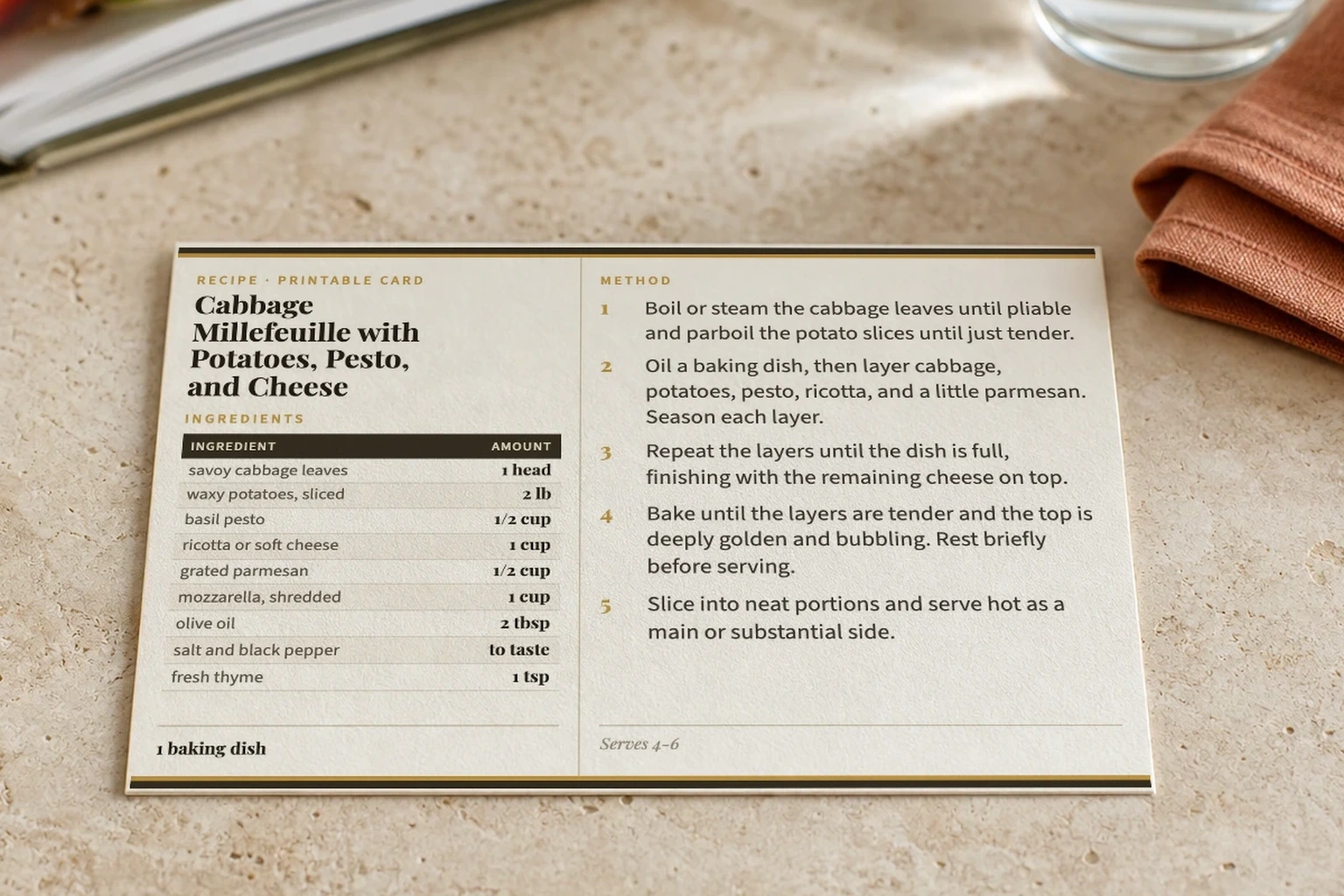
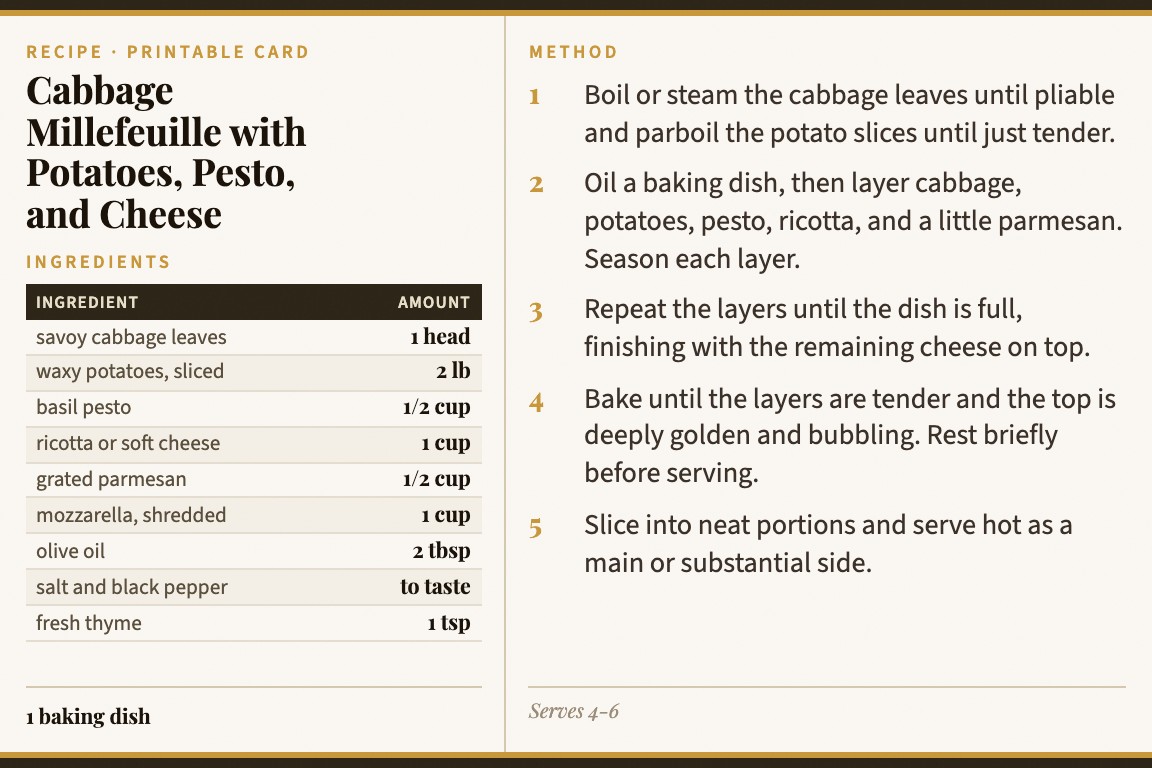
The card isn't a screenshot of the page. Card My Recipe reads the recipe — title, ingredients, method, notes — and lays it out as a clean card you can review, correct, and keep in a recipe box.
No account needed · Supports one or multiple pages
The clean layout is designed to become a real card you can hold, cook from, and file in a recipe box—not just another image saved to your phone.
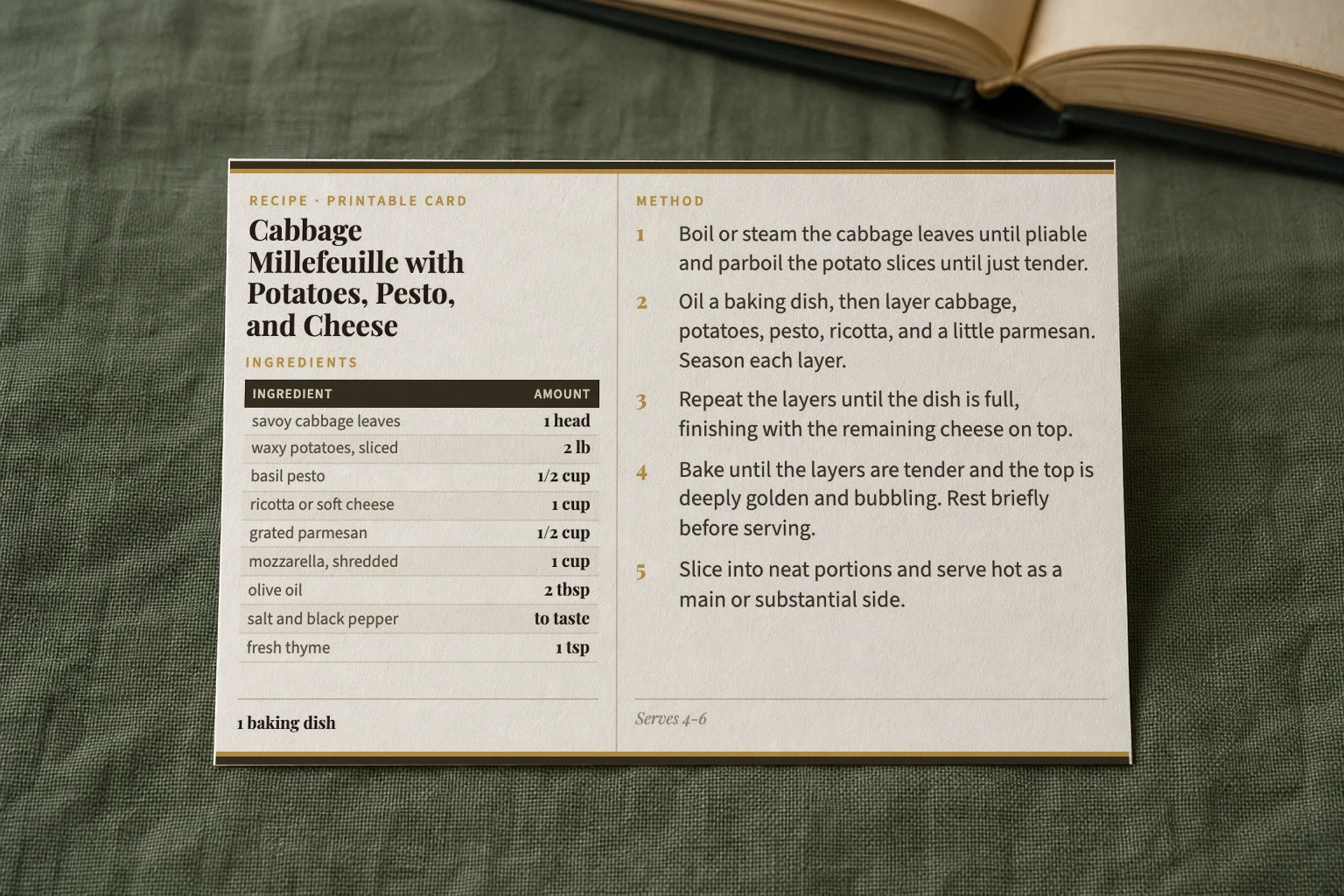
Cookbook recipes weren't designed to fit on a card. Magazines drape ingredients around the photo. Old cookbooks bury the method in dense paragraphs. Card My Recipe handles all of it.
Lay the cookbook flat, take a photo with your phone, upload it. The recipe lands on a 4×6 card you can print or save.
Upload both pages. Card My Recipe reads them as one recipe and combines ingredients and method into a single card.
Magazine pages, newspaper clippings, and screen-shot recipes work the same way. Upload the image, get the card.
A scanner app gives you the page as text. A camera app gives you the page as an image. Card My Recipe knows what a recipe is — title, ingredients, method, notes — and lays it out for the kitchen.
A scanner app
Reads the page and gives you the text. Useful for archiving — not useful in the kitchen.
A camera roll
Easy to take. Hard to read at the stove. Doesn't print well, doesn't fit the recipe box.
Card My Recipe
Reads the recipe out of the page and builds a 4×6 card you can print, save, or share.
Make your first card without an account. Sign in to save a library of cookbook recipes. Upgrade to Plus for higher photo limits and the full set of card themes.
Yes. Take a photo with your phone, upload it, and Card My Recipe lays the recipe out on a 4×6 card.
Upload both pages. Card My Recipe reads them as one recipe and combines ingredients and method into a single card.
Yes. Magazine pages, newspaper clippings, and even photos of recipes pulled up on a screen all work.
An OCR app gives you a wall of text. Card My Recipe identifies what's a title, what's an ingredient list, what's a method, and lays it out as a printable card.
Yes — see the recipe card maker for the full set of input modes including pasted URLs, photos, and copied text.
Upload a cookbook spread, magazine clipping, or scanned page. Card My Recipe formats the rest.