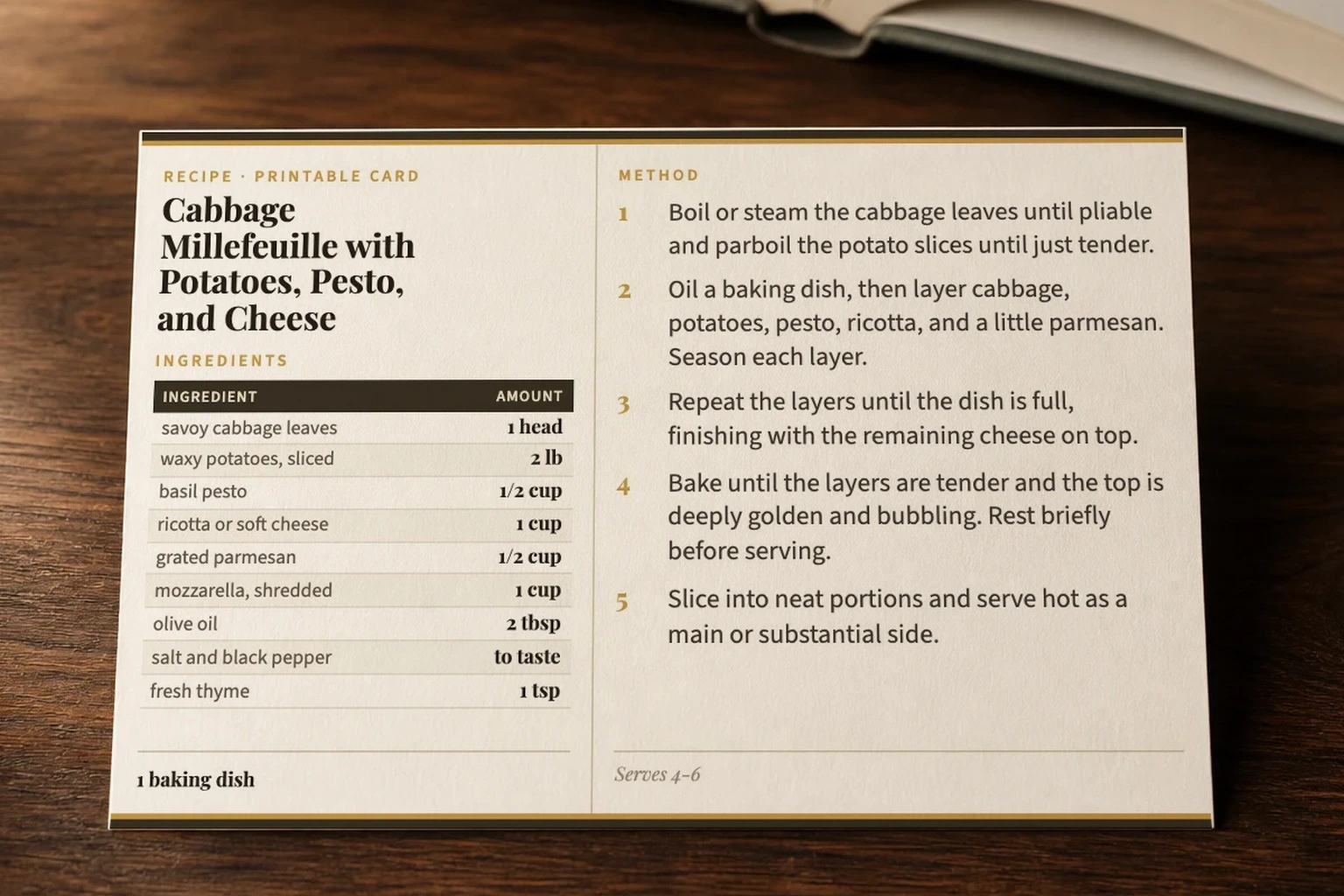
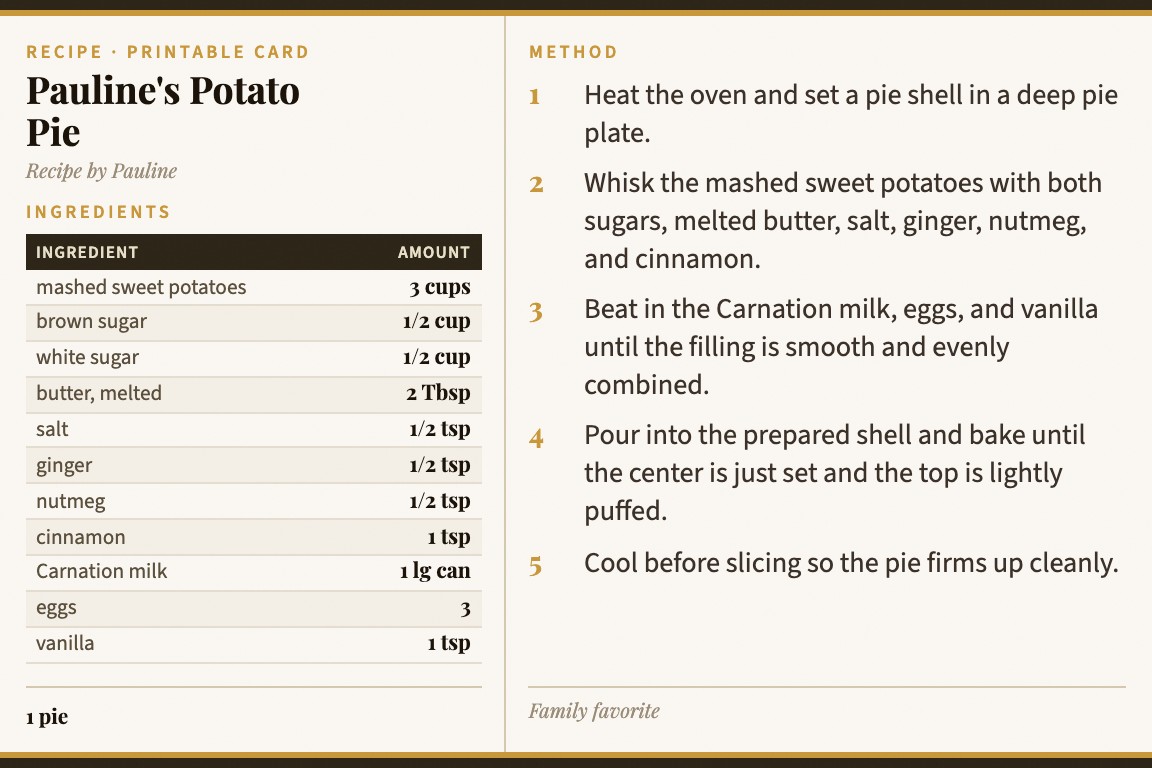
Card My Recipe recipe cards on a kitchen table
Recipe Card Maker

Recipe Card Maker

Turn any recipe into a beautiful, print-ready 4×6 card — from a photo, a URL, or your own notes. No templates. No design skills. Just paste and print.

See how it works ↓

How to Make a Recipe Card

Most recipe card makers hand you a blank template and expect you to type everything yourself. Card My Recipe works differently — paste any recipe, snap a photo of a cookbook page, or drop in a URL from any food blog, and the card writes itself.

1

Step 1 — Add Your Recipe

You have three ways in. Paste recipe text directly — from a blog, a notes app, a family email, anywhere. Or take a photo of a recipe from a cookbook, magazine, or handwritten card. Or paste a URL from any major recipe site — NYT Cooking, Serious Eats, AllRecipes, Bon Appétit, and hundreds more. Card My Recipe reads the recipe for you.

2

Step 2 — Hit Generate

One tap. Card My Recipe structures your recipe into a clean, readable format — title, ingredients, numbered steps, cook time, servings — and lays it out on a 4×6 card with the right typography, spacing, and an illustrated header. Long recipes automatically split across a two-card set. No dragging, no resizing, no fighting with text boxes.

3

Step 3 — Print or Share

Your card is ready in seconds. Print it on 4×6 cardstock for your recipe box, save it as a PDF, copy the image to a chat, or share a link that anyone can view and print. Cards look beautiful on screen and on paper — designed for real kitchens, not just Pinterest boards.

Recipe Cards Made with Card My Recipe

Every card below was generated by Card My Recipe from a simple recipe paste. No manual formatting, no design work.

Recipe card for Marry Me Chicken
Marry Me Chicken
Recipe card for Lasagna Soup
Lasagna Soup
Recipe card for Chimichurri Steak
Chimichurri Steak
Recipe card for Basque Burnt Cheesecake
Basque Burnt Cheesecake
Browse 800+ recipe cards →

Not Another Blank Template

Canva and Adobe give you a pretty rectangle and say "type your recipe here." You still do all the work — formatting ingredients, numbering steps, adjusting font sizes, fighting with layout. That is a design tool, not a recipe card maker.

Recipe strippers like JustTheRecipe show you a cleaned-up version of someone else's recipe — plain text on a white screen. Useful for reading, but there is nothing to print, save, or share. Card My Recipe goes further: it turns that recipe into a designed, print-ready card you can hold in your hand, pin to your fridge, or tuck into a recipe box.

Card My Recipe is built for one thing: turning recipes into cards. Paste the recipe. The card writes itself. Ingredients are parsed and structured. Steps are numbered and formatted. Cook time, servings, and author are pulled automatically. The layout adapts to the recipe length — short recipes get a single card, long recipes split across two.

Three input modes, one beautiful result:

Four Card Themes

Every recipe card can be printed in one of four distinct styles. Classic is the default — warm tones, gold accents, and a traditional recipe box feel. Airy is clean and modern. Rustic brings texture and earth tones. Modern is sharp and minimal. Switch between them after generating your card.

Free to Start, Affordable to Keep

Make your first card right now — no account needed. Sign in with Google to save your cards and unlock more daily generations. Go Pro for unlimited everything.

Guest — Free, no account

3 cards per day, print and PDF, classic theme.

Free Account — Sign in with Google

10 cards per day, save up to 20 cards, shareable links.

Pro — $4.99/month

Unlimited cards, unlimited photo and URL imports, all 4 themes, unlimited saved cards.

Frequently Asked Questions

How do I make a recipe card?

Go to the card maker, paste your recipe text (or snap a photo, or paste a URL), add your name, and hit Generate. Your card appears in seconds, ready to print on 4×6 cardstock or save as a PDF. No account needed to try it.

Is the recipe card maker free?

Yes. Guests can make 3 cards per day with no account. Sign in free with Google to get 10 cards per day and save your cards. Pro is $4.99/month for unlimited everything.

What size are the recipe cards?

All cards are formatted for standard 4×6 inch cardstock — the same size used in traditional recipe boxes. The layout includes a built-in safe margin so cards print perfectly on most home printers.

Can I make a recipe card from a photo?

Yes. Take a photo of a recipe from a cookbook, magazine, or handwritten card. Card My Recipe reads the image and builds a structured card from it. If the recipe spans multiple pages, you can add additional photos.

Can I import a recipe from a website?

Yes. Paste any recipe URL and Card My Recipe extracts the recipe automatically. It works with NYT Cooking, AllRecipes, Serious Eats, Bon Appétit, Food Network, and most other major recipe sites.

Can I print the recipe cards?

Yes. Every card is designed for printing on 4×6 cardstock. Hit Print or Save as PDF directly from the card view. The page includes printer settings guidance for Chrome, Safari, and Edge.

How do I create custom recipe cards?

Paste your recipe, choose a theme (Classic, Airy, Rustic, or Modern), and your card is generated with your chosen style. You can edit the title, ingredients, steps, and notes after generating. Add your name as the card author for a personal touch.

What makes this different from Canva or other card makers?

Canva and similar tools give you a blank template — you type everything yourself and manually format it. Card My Recipe reads your recipe and builds the card automatically. Ingredients are parsed, steps are numbered, and the layout adapts to the recipe length. It is a recipe tool, not a general design tool.

How is this different from JustTheRecipe or other recipe strippers?

Recipe strippers extract the text of a recipe from a blog post — removing ads, life stories, and clutter. Card My Recipe does that too, but then goes further: it formats the recipe into a beautiful, print-ready 4×6 card with structured ingredients, numbered steps, an illustrated header, and your name as the author. The result is a card you can print, share, or save — not just plain text on a screen.

Your Recipes Deserve a Card

Stop scrolling. Start cooking. Turn any recipe into something you will actually use — a card you can hold, pin to your fridge, or tuck into a recipe box.