1
Paste URL
Copy the recipe page link and paste it into Card My Recipe.
Paste a recipe URL and Card My Recipe pulls the useful recipe into a clean card. Keep the ingredients and steps, review the import, then print, save, or share when you are ready to cook.
From Recipe blogs, Long pages, Phone-unfriendly recipes, Saved links and Weeknight favorites .
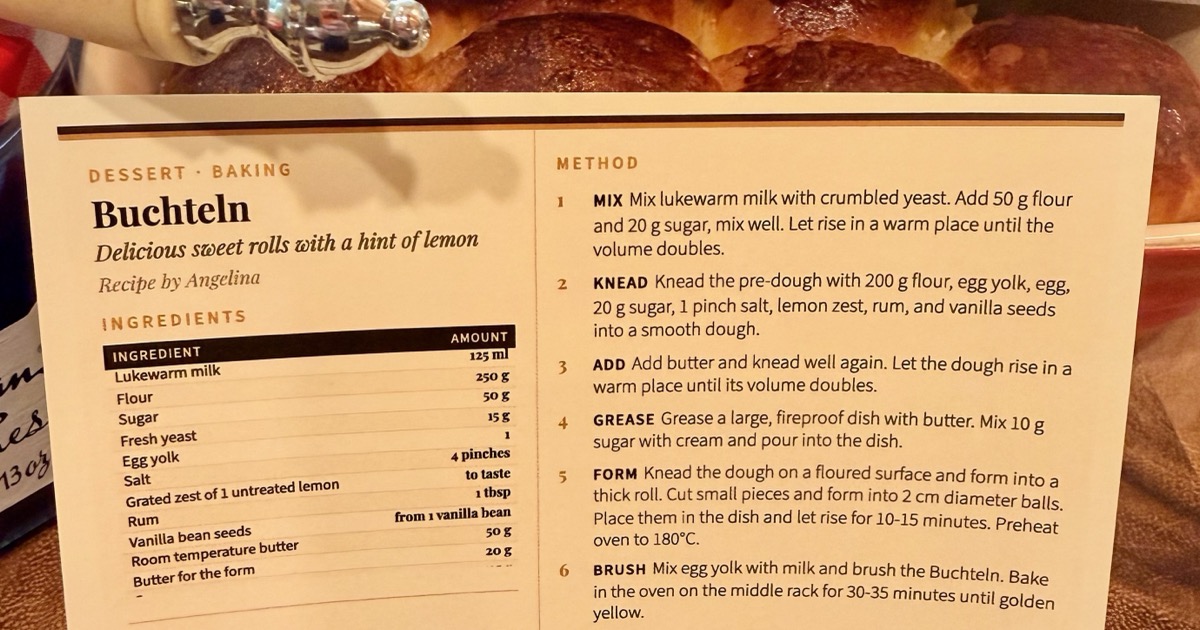
Copy the recipe page link and paste it into Card My Recipe.
Check the imported title, ingredients, steps, servings, and notes before saving.
Use the card for browser printing, PDF saving, or a clean share link.
Recipe pages can include helpful stories, photos, tips, and comments. When it is time to cook, Card My Recipe gives you a focused card with the recipe itself.
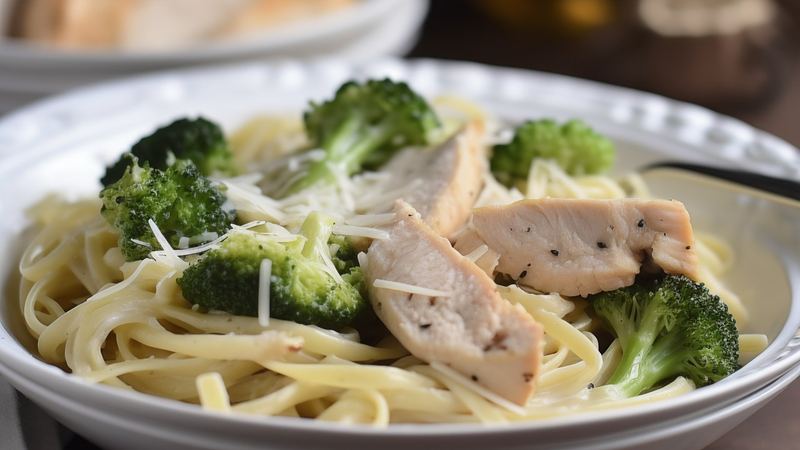
Use this path when the recipe already lives online and you want a card for the kitchen, not another tab to manage.
Keep the ingredients and steps in a simple card format while still respecting the original page as the source.
Make a focused cooking copy from a page with photos, tips, comments, and related recipes.
Turn a bookmarked dinner idea into something you can print, save, and find again later.
Card My Recipe is not trying to replace the recipe page. It creates a practical cooking copy after you have chosen the recipe.
Browser print
Useful sometimes, but long pages can produce extra pages, navigation, ads, comments, and awkward breaks.
Plain cleaner
Extracted text is helpful, but it still needs formatting before it feels like something to keep.
Card My Recipe
Import the recipe, review it, and keep a printable card with the ingredients and steps in place.
If the recipe is a screenshot or paper page, use recipe photo to text. If you want the full set of URL, photo, and text options, start from the recipe card maker.
Yes. Paste the recipe URL, review the imported recipe, then print or save the finished recipe card.
Card My Recipe works best with pages that publish a clear recipe structure. Some sites may require review or manual cleanup after import.
The finished card focuses on the recipe content rather than the surrounding page elements, so you can skip the clutter when you are ready to cook.
Yes. Review the imported title, ingredients, method, notes, and servings before saving or printing.
Yes. You can print or save as a PDF, and signed-in users can keep cards in their library.
Import the recipe, review the details, and keep a cooking copy that is easier to use at the counter.