1
Upload Photo
Add a clear photo, screenshot, scan, or clipped recipe image from your phone or computer.
Upload a photo, screenshot, cookbook page, printed recipe, or clipped page. Card My Recipe reads the recipe, keeps the useful structure, and turns it into editable text plus a clean card you can print or save.
From Cookbook pages, Magazine clippings, Screenshots, Printed recipes and Binder pages .
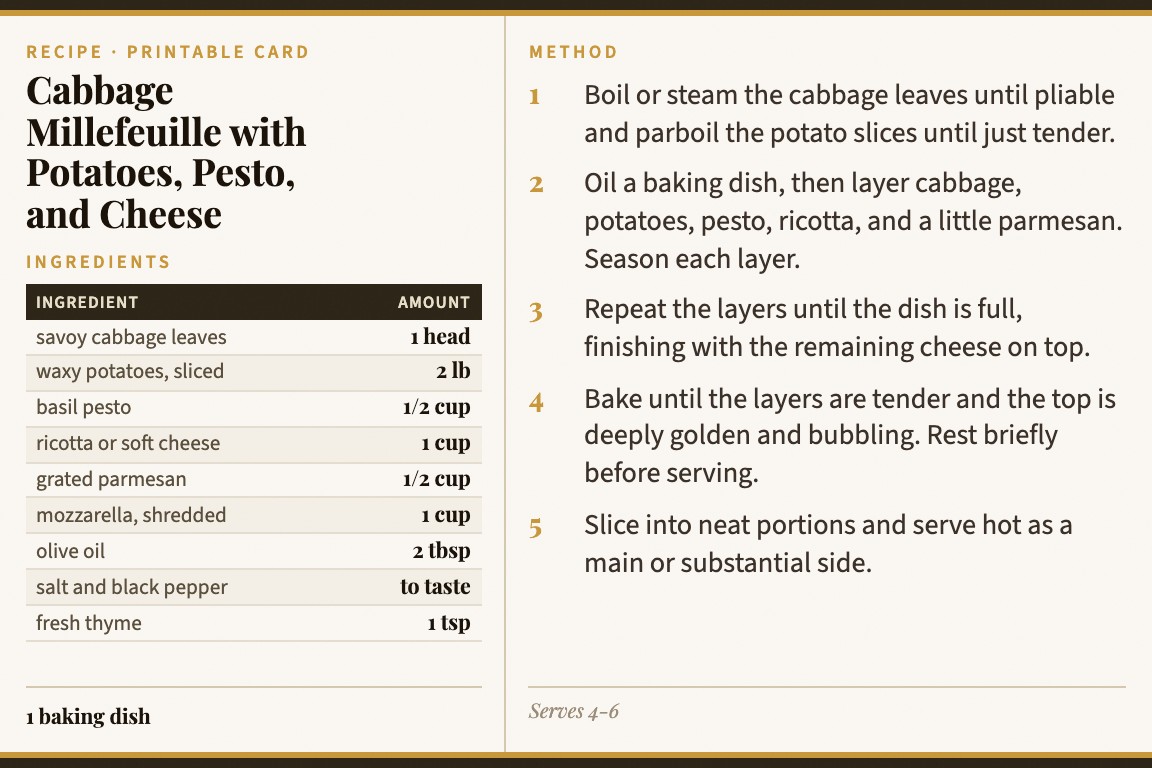
Add a clear photo, screenshot, scan, or clipped recipe image from your phone or computer.
Card My Recipe extracts the title, ingredients, steps, notes, and servings so you can edit anything before saving.
Choose the finished card layout, then print, save as PDF, or share the recipe link.
Generic OCR can leave you with a loose block of text. Card My Recipe is tuned for recipes, so the output is organized around the pieces cooks actually need.
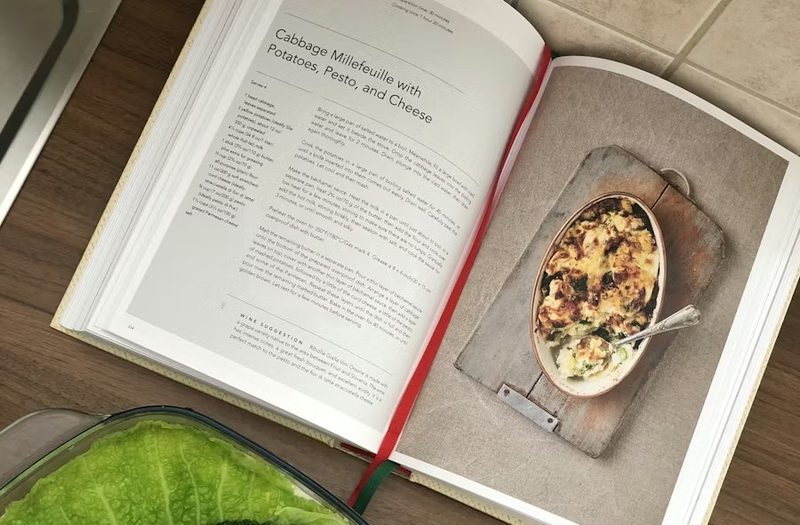
Use this page when the source is visual and you want a practical recipe card, not an archive scan.
Photograph a favorite page and convert the recipe into editable text with ingredients and method separated.
Turn a recipe screenshot from your phone into something easier to cook from and print.
Bring in a magazine clipping, newspaper recipe, or printed binder sheet without retyping every line.
A recipe photo is not just text. It has a title, ingredient list, method, yield, notes, and sometimes source details. Card My Recipe keeps those pieces editable.
Generic OCR
OCR apps can capture words, but you still have to sort out ingredients, steps, notes, and print layout.
Photo archive
A camera-roll image preserves the original, but it can be hard to read, edit, search, or print neatly.
Card My Recipe
The recipe is extracted into editable parts and laid out as a kitchen-friendly printable card.
For URLs, pasted text, photos, and handwritten cards in one place, start from the recipe card maker. For family handwriting specifically, see handwritten recipe to text.
Yes. Upload the photo and Card My Recipe extracts the recipe into editable fields before it becomes a printable card.
Yes. Screenshots of recipes can work well when the text is readable and the recipe is visible in the image.
Accuracy depends on photo quality, glare, cropping, and the source layout. You can review and edit the extracted text before saving or printing.
Scanner apps usually return text or a document image. Card My Recipe organizes the result as title, ingredients, steps, notes, and servings, then formats it as a card.
Yes. After review, use the finished card for browser printing, PDF saving, or sharing. You can also use the printable recipe card maker for print-first projects.
Start with the photo you already have. Review the extracted recipe, then print or save the finished card.