1
Add Recipe
Paste text, import a URL, or upload a photo of the recipe you want to turn into a card.
Paste, upload, or import a recipe and turn it into a clean card layout for printing. Use it for 4x6 cards, recipe boxes, gifts, kitchen binders, family cookbooks, or a cleaner PDF.
From 4x6 cards, Recipe boxes, Gifts, Bridal showers, Family cookbooks and Kitchen binders .
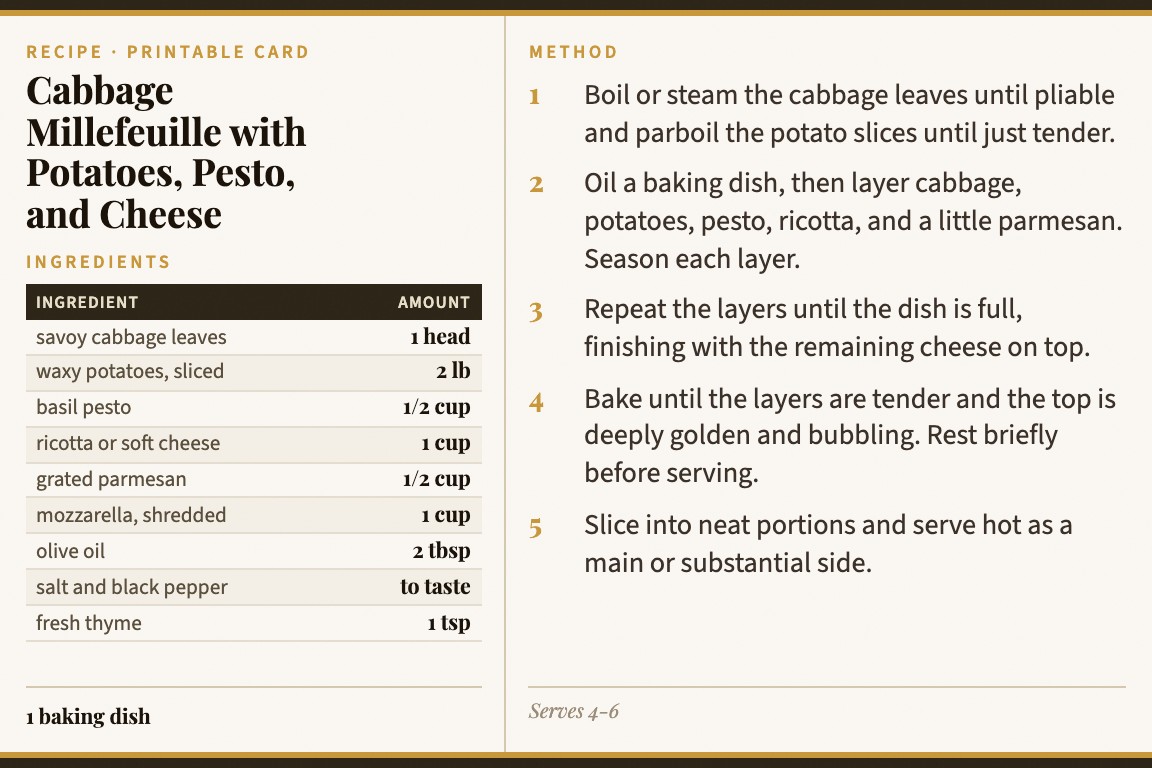
Paste text, import a URL, or upload a photo of the recipe you want to turn into a card.
Review the recipe and use a clean card layout with ingredients and steps arranged for reading.
Print from the browser, save as PDF, share a link, or keep the card in your library.
The goal is not a blank design template. The goal is to get from a real recipe to a neat card that is easy to read and print.
Use the printable card maker when the final format matters: a small card, a clean PDF, or a shareable recipe that still looks good on paper.
Make cards sized for recipe boxes and kitchen counters, with the recipe broken into readable sections.
Turn favorite recipes into printable cards for bridal showers, housewarming gifts, or holiday recipe exchanges.
Create consistent cards from family recipes, online recipes, and cookbook photos before collecting them.
Printable recipe cards need readable ingredients, logical steps, and a format that works on paper. Card My Recipe handles the recipe layout before you print.
Blank templates
Design templates can look nice, but you still have to paste every line into the right place and adjust the layout.
Documents
A document or notes app works for storage, but it does not feel like a card for a recipe box or gift.
Card My Recipe
Start with the recipe itself and produce a clean card layout for printing, saving, and sharing.
For the broader tool that handles URLs, photos, and copied text, visit the recipe card maker. To print from a webpage, see print recipe from website.
Yes. Card My Recipe is built around clean card layouts that work well for 4x6-style printing and recipe boxes.
Yes. Use your browser print dialog for paper printing or save the finished card as a PDF.
Yes. Paste a recipe URL or use print recipe from website for the URL-focused workflow.
Yes. You can print, save as PDF, share a link, and sign in to keep cards in your library.
No. Add the recipe, review the details, and Card My Recipe lays it out in a clean card format.
Add the recipe once, review the layout, and keep a clean version for the kitchen, a box, or a gift.